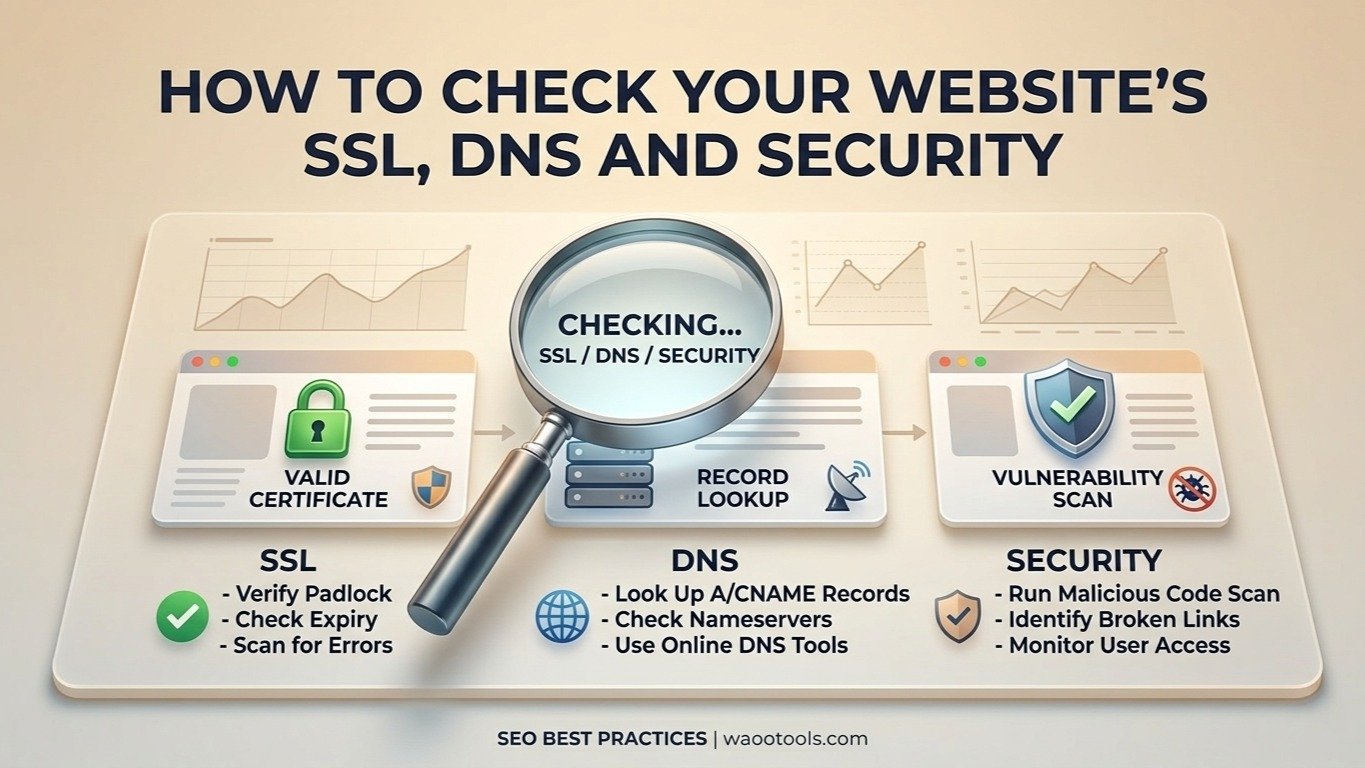
A website's technical setup includes more than its pages and content.
SSL certificates, DNS records, redirects, HTTP headers, and domain configuration all play important roles in how a website operates.
If something goes wrong with these settings, visitors may experience connection problems, unavailable services, or security warnings.
Regular checks can help you identify configuration problems before they become larger issues.
What Is SSL?
SSL is commonly used to describe encrypted HTTPS connections.
When a website uses HTTPS correctly, communication between the visitor's browser and the website is protected by encryption.
Modern websites should use HTTPS for their public pages.
Check Your SSL Certificate
An SSL certificate contains information about the website's secure connection.
You can use the WaooTools SSL Checker to review available certificate information such as:
- Certificate status
- Issuer
- Expiry date
- Domain coverage
- Certificate details
An expired certificate can cause browser warnings and prevent visitors from accessing a website normally.
Check the Certificate Expiry Date
Certificate expiry is one of the easiest things to overlook.
If your certificate expires, visitors may receive a security warning.
Set up certificate renewal through your hosting provider or certificate management system.
Many modern hosting platforms support automatic renewal, but you should still monitor the configuration.
What Is DNS?
DNS stands for Domain Name System.
DNS connects domain names with different online services.
For example, DNS records can tell systems where a website is hosted or which mail servers handle email.
Common DNS Records
A Record
An A record connects a hostname to an IPv4 address.
AAAA Record
An AAAA record connects a hostname to an IPv6 address.
MX Record
MX records identify mail servers responsible for receiving email.
CNAME Record
A CNAME points one hostname to another hostname.
NS Record
NS records identify the nameservers responsible for the DNS zone.
TXT Record
TXT records can store information used for verification and email-related configurations.
Check DNS Records
The WaooTools DNS Records Lookup allows you to review publicly available DNS information for a domain.
This can be useful when:
- Moving hosting
- Setting up email
- Verifying domains
- Adding third-party services
- Troubleshooting DNS
- Checking recent DNS changes
Remember that DNS changes may take time to appear because of caching and propagation.
Check Your Website's HTTP Headers
HTTP headers provide additional information about a web request and response.
They can include information related to:
- Caching
- Content type
- Server responses
- Security-related configuration
The WaooTools HTTP Headers Checker can help you inspect available response headers.
Check Redirects
Redirects are commonly used when URLs change.
For example, if:
example.com/old-page
has moved to:
example.com/new-page
a redirect can send visitors from the old URL to the new one.
The WaooTools Redirect Checker can help you review redirect behavior.
Check DNS and SSL After a Website Migration
Website migrations are a good time to check everything.
After moving a website:
- Check the domain's DNS records.
- Confirm the domain points to the correct server.
- Check HTTPS.
- Check the SSL certificate.
- Test redirects.
- Check important pages.
- Test email if the DNS configuration changed.
Do not assume everything transferred correctly just because the homepage opens.
Security Is More Than an SSL Certificate
HTTPS is important, but an SSL certificate alone does not make a website completely secure.
Security also involves:
- Software updates
- Strong passwords
- Access controls
- Server configuration
- Backups
- Secure application code
- Monitoring
- Proper DNS and hosting configuration
Treat SSL as one part of website security rather than the entire security system.
Final Thoughts
SSL, DNS, redirects, and HTTP configuration can look complicated, but regular checks make technical problems easier to identify.
Use simple diagnostic tools when troubleshooting, document your current configuration, and make changes carefully.
If you are making major DNS or server changes, keep a record of the previous settings so you can restore them if necessary.