Meta tags provide information about a webpage.
Some are used by search engines, while others help define how a page appears when shared on social platforms.
They are usually placed inside the HTML <head> section of a webpage.
Correct metadata does not guarantee higher rankings, but it helps provide clear information about your pages.
What Are Meta Tags?
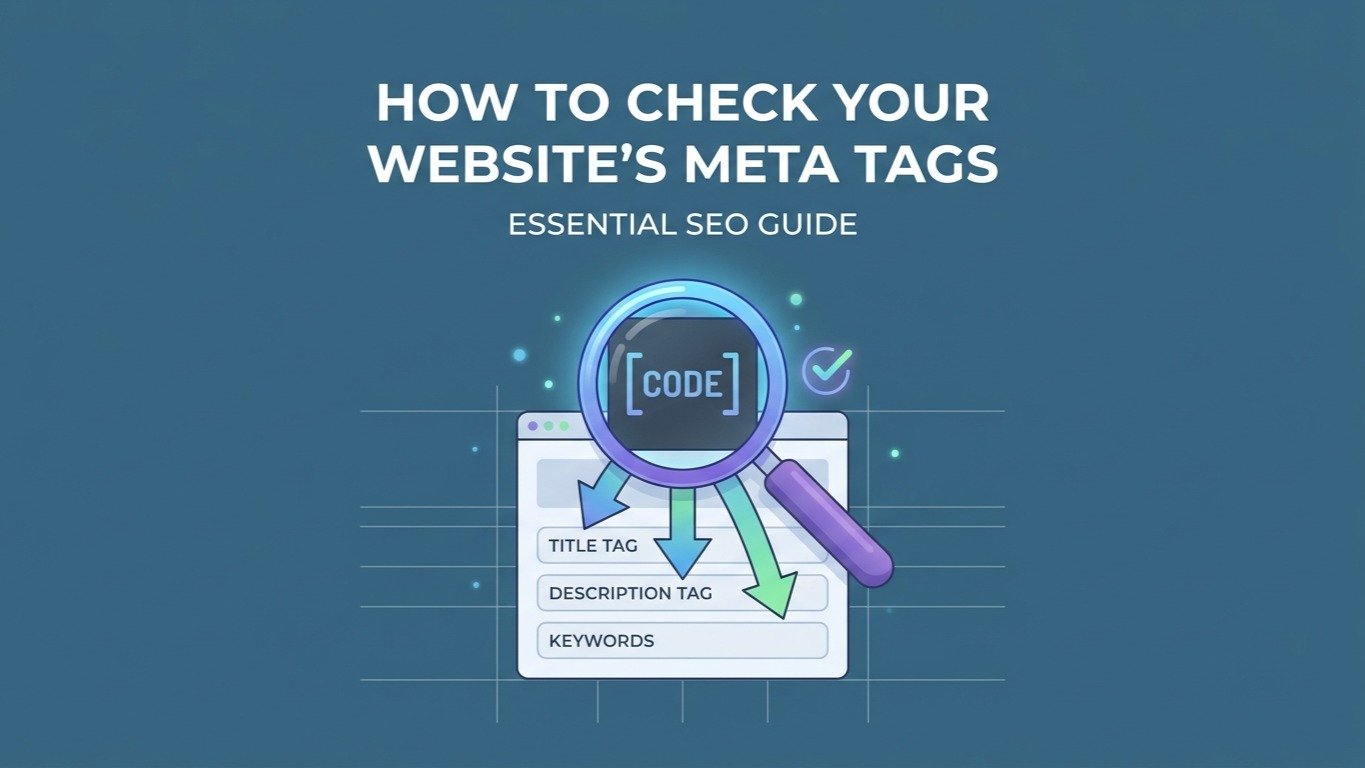
Meta tags are HTML elements that provide information about a webpage.
Common examples include:
- Title
- Meta description
- Robots directives
- Canonical URL
- Open Graph metadata
- Twitter Card metadata
Different tags have different purposes.
Start With Your Page Title
The page title is one of the first elements to review.
A good title should describe the actual page.
For example:
Poor:
Home
Better:
Free SEO Tools and Website Utilities | WaooTools
The second title tells users more about what they can expect from the page.
Avoid stuffing the title with repeated keywords.
Write Useful Meta Descriptions
A meta description summarizes the page.
For example:
Check your website for broken links and identify URLs that return errors with an online broken link checker.
The description should match the actual page content.
Avoid writing descriptions that promise something the page does not provide.
Generate Meta Tags Quickly
If you do not want to manually write HTML metadata, the WaooTools Meta Tag Generator can create SEO, Open Graph, and Twitter Card tags.
You can enter information such as:
- Page title
- Meta description
- Keywords
- Author
- Canonical URL
- Robots directives
- Preview image
- Twitter Card type
- Twitter handle
The generated code can then be copied into the <head> section of your webpage.
What Are Open Graph Tags?
Open Graph metadata helps define how a webpage is presented when shared on supported platforms.
You can specify information such as:
- Page title
- Description
- URL
- Preview image
- Content type
This can help your shared link display more useful information.
What Are Twitter Card Tags?
Twitter Card metadata, also known as X-related card metadata, provides information for link previews on platforms supporting those tags.
Depending on the card type, you can specify information such as:
- Title
- Description
- Image
- Card type
This is separate from your normal SEO title and description.
Check Your Canonical URL
A canonical URL tells search engines which URL you consider the preferred version of a page when multiple URLs can represent similar content.
For example, tracking parameters can sometimes create different URLs that lead to the same page.
Canonical implementation should match your actual website structure.
Review Robots Directives
Robots directives can influence whether search engines are allowed to index or follow content.
Be careful when changing these settings.
An accidental noindex directive on an important page can prevent that page from appearing in search results.
Always review the generated code before publishing it.
Keep Metadata Unique
Important pages should have useful, page-specific titles and descriptions.
For example, an ecommerce website should not use exactly the same title and description for every product.
A website with 100 pages should not have 100 identical metadata sets.
Instead, describe what each page is actually about.
Meta Tags Are Not a Ranking Shortcut
Adding keywords to meta tags does not automatically make a page rank.
SEO involves many other factors, including content quality, crawling, indexing, links, website structure, usability, and technical implementation.
Google's SEO Starter Guide provides general guidance for website owners.
Check Your Pages Regularly
Meta tags can become outdated when pages change.
Review them when:
- Publishing new pages
- Updating products
- Changing URLs
- Rebranding
- Updating page content
- Changing social preview images
You can also include metadata checks in a wider WaooTools SEO Audit.
Final Thoughts
Good metadata should be clear, accurate, and relevant to the page.
Start with useful titles and descriptions, then add appropriate canonical, robots, Open Graph, and social metadata.
Do not treat meta tags as a shortcut to rankings. Think of them as part of the information structure of your website.