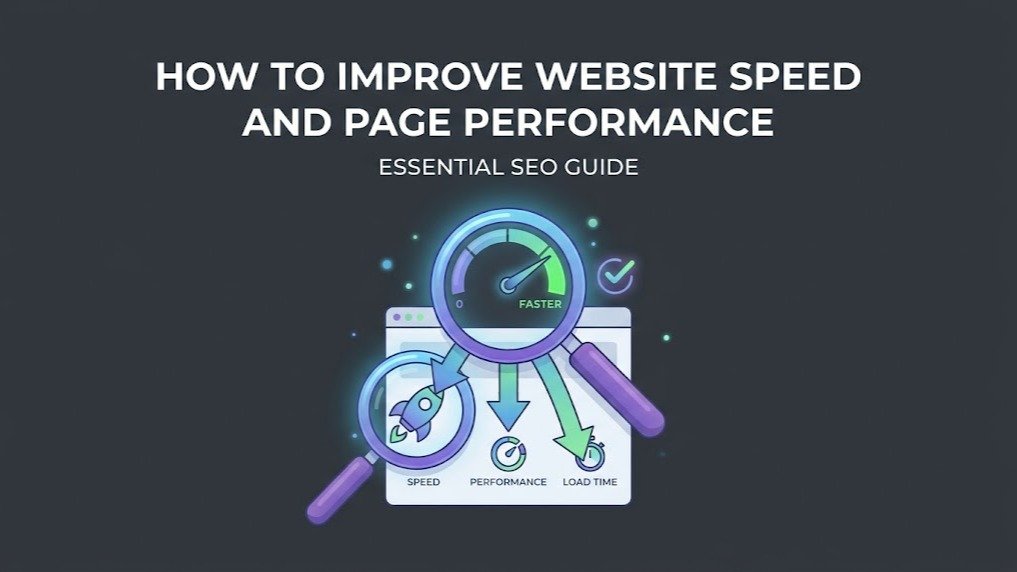
Website speed affects how quickly visitors can interact with a webpage.
A slow page can make it harder for visitors to find information, complete forms, browse products, or continue reading.
That makes performance an important part of website maintenance and SEO.
You do not need to guess whether your website is slow. You can measure it, identify possible causes, and then work through the problems.
Start With a Website Speed Check
Before changing anything, establish a baseline.
Use the WaooTools Page Speed Checker to check a URL and review available speed-related information.
You can also use Google's PageSpeed Insights for additional performance testing.
Run tests on important pages rather than testing only the homepage.
Consider checking:
- Homepage
- Service pages
- Product pages
- Blog posts
- Landing pages
- Checkout pages
Check Page Size
A webpage has to transfer resources before the browser can display everything.
Large images, scripts, stylesheets, fonts, videos, and other assets can increase the amount of data required.
The WaooTools Page Size Checker can help you check the total size of a webpage.
If a page is unusually large, investigate which resources are contributing to the size.
Optimize Images
Images are often one of the largest resources on a webpage.
Before uploading an image, consider whether it actually needs its current dimensions and file size.
Useful practices include:
- Resize oversized images
- Compress images
- Use modern image formats where appropriate
- Avoid uploading a 4000px image when a much smaller display size is needed
- Use responsive images where possible
Do not sacrifice useful image quality just to make a file extremely small.
Reduce Unnecessary Scripts
Websites often use JavaScript for menus, analytics, forms, sliders, tracking, chat systems, advertisements, and other functions.
Every script can add work for the browser.
Review your website and ask whether every script is necessary.
Remove outdated plugins, unused tracking scripts, and unnecessary third-party resources where appropriate.
Review CSS and Fonts
CSS and font files can also contribute to page size and loading work.
Look for:
- Unused CSS
- Too many font files
- Too many font weights
- Large third-party libraries
- Resources loaded on pages where they are not needed
A simple website does not necessarily need dozens of fonts or large frontend libraries.
Use Browser Caching
Caching allows previously requested resources to be stored and reused.
This can reduce repeated downloads for returning visitors.
Your caching configuration depends on your hosting environment, CMS, CDN, and server.
If you use WordPress, for example, caching can be configured through your hosting platform or an appropriate caching solution.
Check Server Response
Sometimes the problem is not the page itself.
The server may take too long to begin responding.
Possible causes include:
- Slow hosting
- Heavy database queries
- Poor server configuration
- Resource limits
- Inefficient application code
- High server load
If server response is consistently slow, speak with your hosting provider or developer rather than only compressing images.
Mobile Performance Matters
Many visitors use mobile devices and mobile networks.
A page that loads quickly on a powerful desktop computer may feel much slower on a phone or slower connection.
Test important pages on mobile devices and consider how the page behaves when the connection is not ideal.
Core Web Vitals
Google's performance documentation includes Core Web Vitals as part of its discussion of page experience.
For current information about performance measurements, review Google Search Central's page experience documentation.
Do not confuse a third-party audit score with Google's actual ranking systems.
Performance is one part of a larger website experience.
Improve Speed Step by Step
You do not need to make 50 changes at once.
Start with the largest problems.
For example:
- Compress large images.
- Remove unnecessary scripts.
- Reduce oversized page assets.
- Improve server response.
- Configure caching.
- Review third-party services.
- Test again.
Run another speed check after making changes.
Final Thoughts
Website speed optimization works best as an ongoing process.
Measure your pages, identify the biggest problems, fix them, and test again.
A fast website is not only about SEO. It also helps visitors access information with less waiting and fewer frustrating delays.